
Retailer Documentation
Complete guide to managing your retail business with the OV25 platform
🏪 Welcome to OV25 for Retailers
Transform your retail business with OV25's powerful 3D product visualization and management platform. Create stunning product experiences, manage your inventory, and provide customers with interactive 3D configurators that drive sales and engagement.
🚀 Getting Started
Follow these simple steps to begin your OV25 retailer journey:
- Contact Orbital Vision at info@ov25.ai to get your retailer account set up - you will be sent login credentials
- Go to https://app.orbital.vision and log in
- Verify your email - you will receive an email with a link to verify your account. This is mandatory to access the platform
- You're ready to start! Begin by exploring the Product Management section below
📊 Dashboard Overview
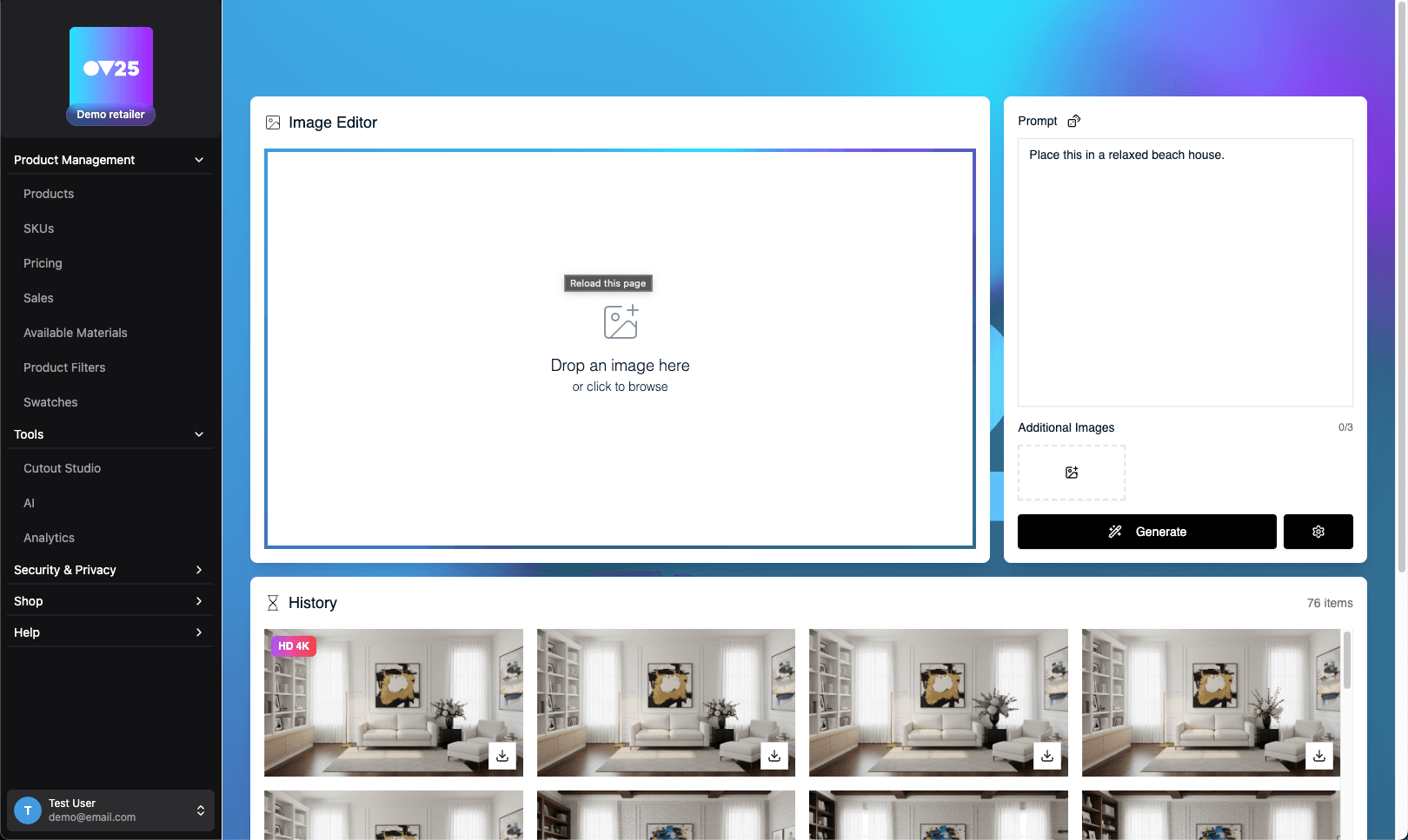
After login, you'll land on the main retailer dashboard. This is your central command center for managing all aspects of your retail business with OV25.
- Navigation is via the sidebar on the left, allowing quick access to all major features.
- You can logout via the user menu in the bottom left.
- The dashboard is optimised for desktop use.
🏗️ The Complete Retailer Workflow
For the most effective use of OV25, follow our comprehensive workflow. From product setup to customer engagement, build a complete 3D retail experience:
📚 First time using OV25? We recommend starting with our Terminology Guide to understand the key concepts and terminology used throughout the platform.
1. 📦 Product Management
Set up and manage your product catalog, SKUs, pricing, sales, filters, materials, and swatches.
Features:
- Products: Manage your product catalog and ranges
- SKUs: Setup SKUs for products, ranges and product variants
- Pricing: Setup pricing against your SKUs
- Sales: Configure and schedule sales
- Available Materials: Choose which materials are available for your products
- Product Filters: Setup product filtering options
- Swatches: Activate and setup swatches for your products
2. 🛠️ Tools & AI
Create professional product shots and leverage AI for stunning marketing materials.
Features:
- Cutout Studio: Create professional product or material shots
- AI Tools: Generate images and videos from your cutouts using AI tools
- Analytics: Coming Soon - Analytics dashboard is currently in development.
3. 🔐 Security & Privacy
Configure API keys and authorized domains for seamless website integration. Manage secure access to your OV25 account and control where your product configurators can be embedded.
4. 🛒 Shop
Buy credits for AI and rendering services, and purchase professional scenes to use in Cutout Studio.
5. 🌐 E-Commerce and Website Integration
Integrate your products into your e-commerce platform and website. We have plugins for shopify, wordpress and magento. We also have a UI pack suitable for custom implementations.
🚀 Ready to Get Started?
Begin with Product Management to set up your first products, jump into Cutout Studio to start creating professional product shots, or start generating AI imagery.