Choose the task you want to complete. The same guides cover your available catalogue and tools; the controls you see depend on your account access.
Find a specific action in dashboard tasks, including hiding or discontinuing a fabric.
Explore the guides
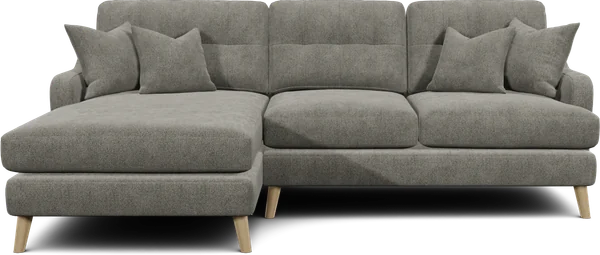




Manage products
Organise your catalogue and choose what customers can configure.
Product guides
Manage Fabrics & Materials
Choose fabrics and finishes, and help customers find their favourite.
Fabric & material guides
Set prices & SKUs
Set product prices, organise fabric grades and connect your product codes.
Pricing guideFabric Swatch Ordering
Let customers feel the fabric at home. Choose samples and order limits.
Swatch ordering guide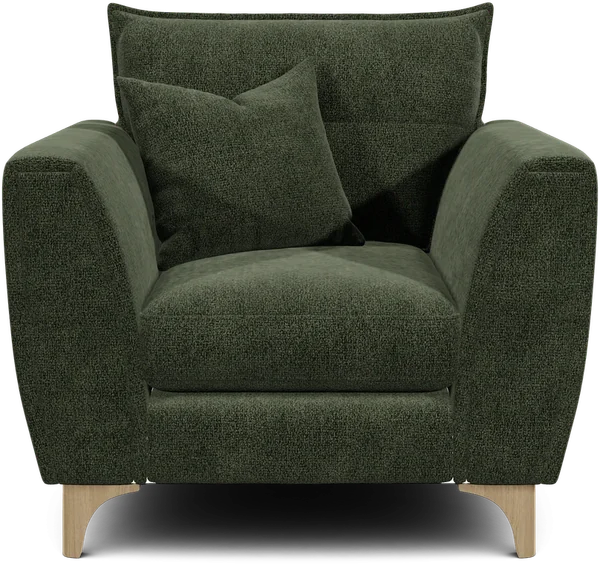
Run a sale
Choose your products, set a discount and plan your next promotion.
Sales guide
Create with AI
Take your products from a simple cutout to a whole new setting.
AI guidesConnect your website
Follow the website integration guides to connect Orbital to your shop or build a custom experience. Use website access settings for API keys and approved domains.
Find help in the dashboard
Sign in at app.orbital.vision. The navigation at the top includes Products, Materials, Pricing & SKUs, Swatches and AI, where available. Open More for other pages, or Menu on a smaller screen.
Choose Need help? for help with the page you have open. Task walkthroughs on Products, Materials, Swatches and Product Filters use practice examples. They do not change your account.
For detailed instructions, search these docs for the product, fabric, price or sample you want to change. Use the terminology guide when a term is unfamiliar.